- Invoice for companiesincl. VAT
- Nova Poshta across Ukrainecomes preconfigured
- 14-day returnsfor items without installation
Teltonika FMB920 GPS tracker
Compact tracker for cars and vans: internal antennas, Bluetooth 4.0 LE, 170 mAh backup battery, IP54, 79×43×12 mm.
Change installation, plan and quantity below.
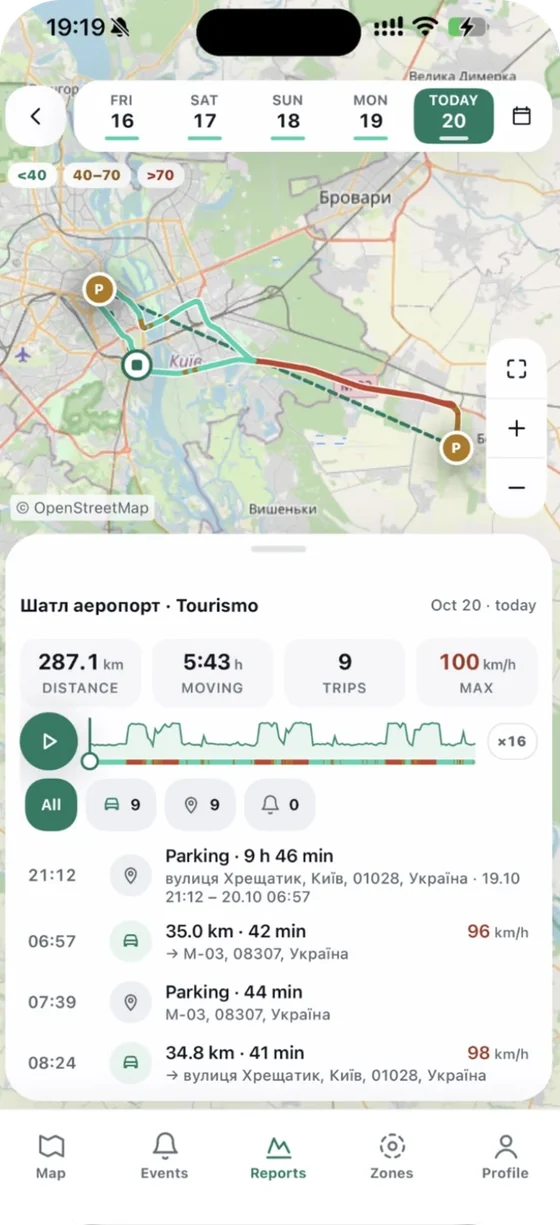
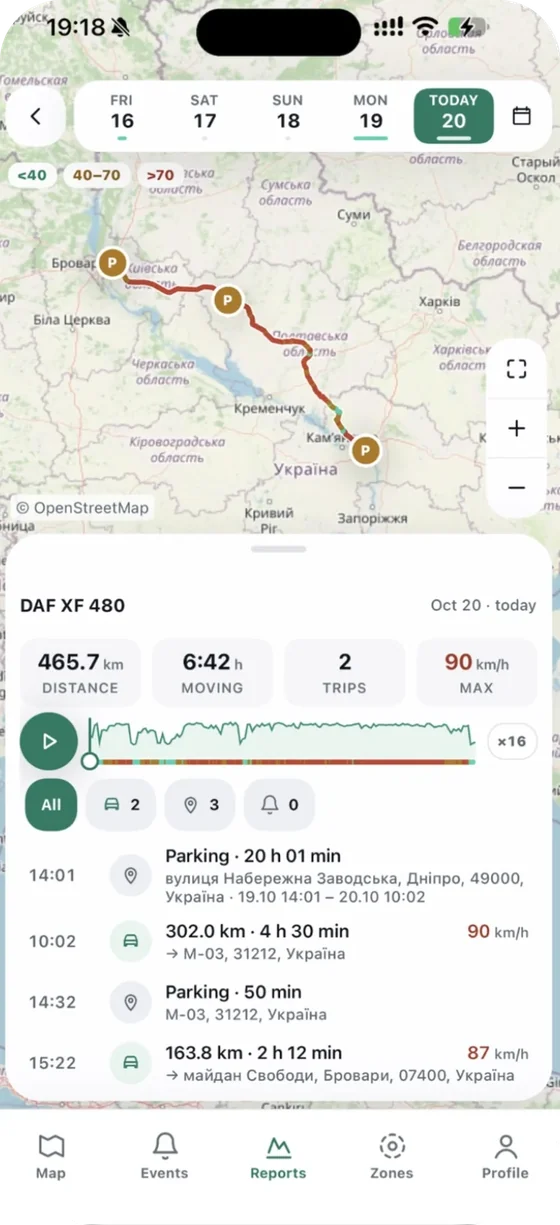
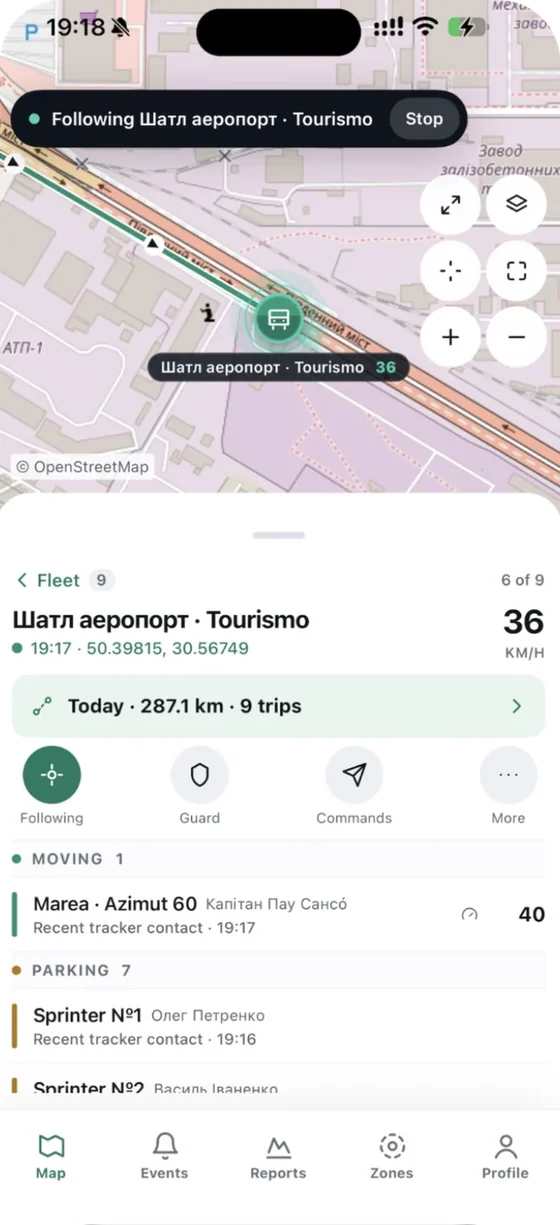
What you will see in Navi.zone
Real app screens: this is how your unit will look.


Specifications
- Channels
- 33
- Sensitivity
- −165 dBm
- Accuracy
- < 3 m
- Hot start
- < 1 s
- Warm start
- < 25 s
- Cold start
- < 35 s
- Quad-band
- 850/900/1800/1900 MHz
- Data
- GPRS Class 12 (up to 240 kbps), GPRS mobile station Class B
- Digital input
- 1
- Digital output
- 1
- Analog input
- 1
- GNSS antenna
- internal
Description
The Teltonika FMB920 GPS tracker is a modern device for tracking vehicle location and keeping vehicles secure. Its high accuracy, reliability and rich feature set make it ideal for private and commercial use.
Read
Key specifications
GPS module
- Channels: 33
- Sensitivity: −165 dBm
- Accuracy: < 3 m
- Time to first fix:
- Hot start: < 1 s
- Warm start: < 25 s
- Cold start: < 35 s
Humidity
- 5% to 95% non-condensing
Internal memory
- 128 MB
GSM module
- Quad-band: 850/900/1800/1900 MHz
- Data: GPRS Class 12 (up to 240 kbps), GPRS mobile station Class B
- SMS (text/data)
Technologies
- GPS, GLONASS, Galileo, BeiDou, SBAS, QZSS, DGPS, AGPS
Built-in battery capacity
- 170 mAh Li-Ion battery, 3.7 V (0.63 Wh)
Supply voltage
- 6–30 V DC with overvoltage protection
Interfaces
- Digital input: 1
- Digital output: 1
- Analog input: 1
- GNSS antenna: internal
- GSM antenna: internal
- USB: 2.0 Micro-USB
- LED indication: 2 status LEDs
- SIM: Micro-SIM
Water and dust protection
- IP54
Bluetooth
- 4.0 + LE
Weight
- 54 g
Operating temperature
- −40 °C to +85 °C
Dimensions (W×L×H)
- 79×43×12 mm
Teltonika FMB920 setup and connection guide
Connection
- Insert the SIM card: make sure the SIM is activated and supports GPRS. Insert it into the Micro-SIM slot on the tracker.
- Connect power: connect the tracker to a power source (6–30 V DC) with overvoltage protection.
- Check the LEDs: two LEDs show the tracker's status. Make sure they indicate normal operation.
Setup
- Connect to a computer: connect the device to a computer with a Micro-USB cable.
- Install the software: download and install Teltonika Configurator from the official Teltonika website.
- Configure the device: open Teltonika Configurator, select the COM port the tracker is connected to and click Connect. Set the device parameters to suit your requirements.
- Save the settings: when you have finished, save the configuration and disconnect the tracker from the computer.
Use
- Real-time tracking: connect the tracker to a monitoring system over GPRS and track your vehicle's location in real time.
- SMS commands: send commands to the tracker by SMS, for example to request the current coordinates or change settings.
The Teltonika FMB920 is a reliable, effective solution for managing and controlling vehicles, improving safety and logistics. You will also need monitoring software, which you can buy in our GPSka store.